MSME Udyam Registration Portal: Official Login & Print Steps
Securely use the MSME Udyam Registration Portal. Learn how to register your business, log in, and print your official certificate for government tenders.
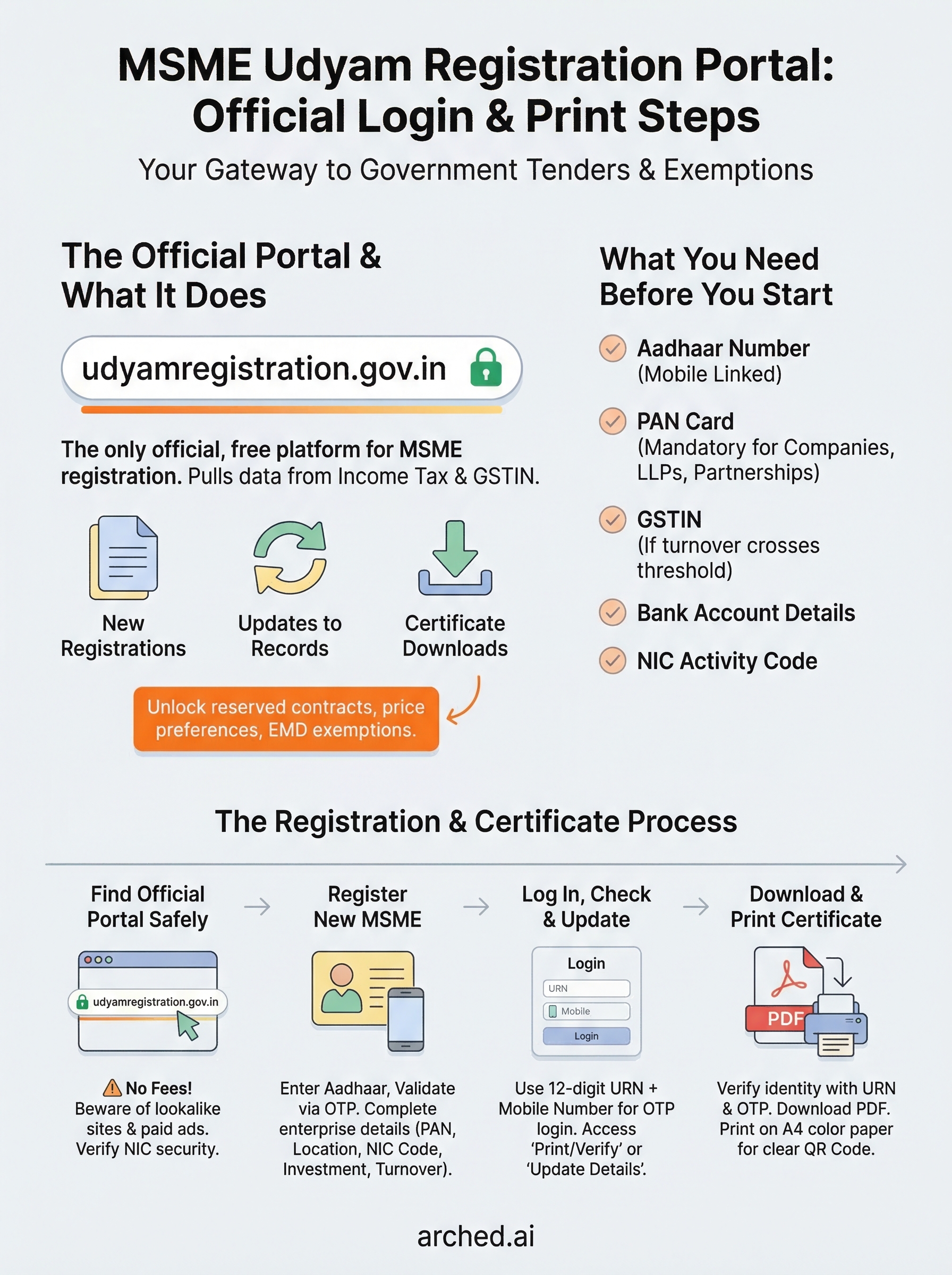
Your Udyam certificate isn't just a registration document, it's a gateway to reserved government tenders, price preferences, and EMD exemptions that can significantly change your bid pipeline. Whether you're registering for the first time or returning to download your certificate, the MSME Udyam registration portal (udyamregistration.gov.in) is the only official platform you need.
The process is straightforward, but small missteps, wrong Aadhaar details, missed fields, or logging into the wrong portal, can cost you days. For contractors and infrastructure firms chasing government projects, that delay means missed tender deadlines and lost revenue. At Arched, we help AEC firms track and qualify for high-value public contracts across 500+ portals, and we consistently see that a valid Udyam certificate is a baseline requirement for many of those opportunities.
This guide walks you through the official portal's registration, login, and certificate printing steps, screen by screen, with no fluff.
What the Udyam portal is and what you need
The MSME Udyam registration portal (udyamregistration.gov.in) is the official Government of India platform for registering micro, small, and medium enterprises. The Ministry of Micro, Small and Medium Enterprises launched it in July 2020 as a replacement for the older Udyog Aadhaar system. It pulls your business data directly from the Income Tax and GSTIN databases, so the registration is largely paperless and self-declaratory.
What the portal actually does
The portal handles three core tasks: new registrations, updates to existing records, and certificate downloads. Once registered, you get a unique 12-digit Udyam Registration Number (URN) that stays with your business permanently. Government buyers use this number to verify your MSME status before awarding price preferences, fee waivers, and EMD exemptions.
Your certificate also determines your enterprise classification as micro, small, or medium, based on investment and annual turnover thresholds. That classification directly controls which tender categories you can enter and whether you qualify for reserved MSME quotas on portals like GeM.
Your Udyam certificate is not optional paperwork. It is the baseline credential that unlocks a significant portion of reserved government contracts.
What you need before you start
Before you open the portal, gather these items. Missing even one will interrupt your application.
| Requirement | Details |
|---|---|
| Aadhaar number | Must belong to the proprietor, managing partner, or authorized signatory |
| PAN card | Mandatory for companies, LLPs, and partnership firms |
| GSTIN | Required if your turnover crosses the GST registration threshold |
| Bank account details | Account number and IFSC code of the business account |
| NIC Activity Code | 5-digit industry code listed on the portal itself |
Your mobile number linked to Aadhaar is critical because the portal sends a one-time password to it for identity verification. If that link is outdated, visit an Aadhaar enrollment center and update it before you attempt registration, or you will be stuck at the first screen.
Step 1. Find the official Udyam portal safely
There are dozens of lookalike websites that mimic the design of the official platform and charge service fees for a registration that is completely free. The MSME Udyam registration portal lives at one address: udyamregistration.gov.in. Type this URL directly into your browser's address bar rather than searching for it, because paid ads and fraudulent sites frequently appear above the official result in search pages.
The only legitimate platform for this registration is udyamregistration.gov.in. Any site charging a service fee is unofficial.
How to verify you're on the right site
Once you land on the page, check two things before entering any personal information. First, confirm the URL reads exactly "udyamregistration.gov.in" with no extra words, hyphens, or subdomains attached. Second, look for the National Informatics Centre (NIC) security certificate, shown as a padlock icon in your browser's address bar. The page header should display the official Ministry of MSME branding and the Government of India logo.
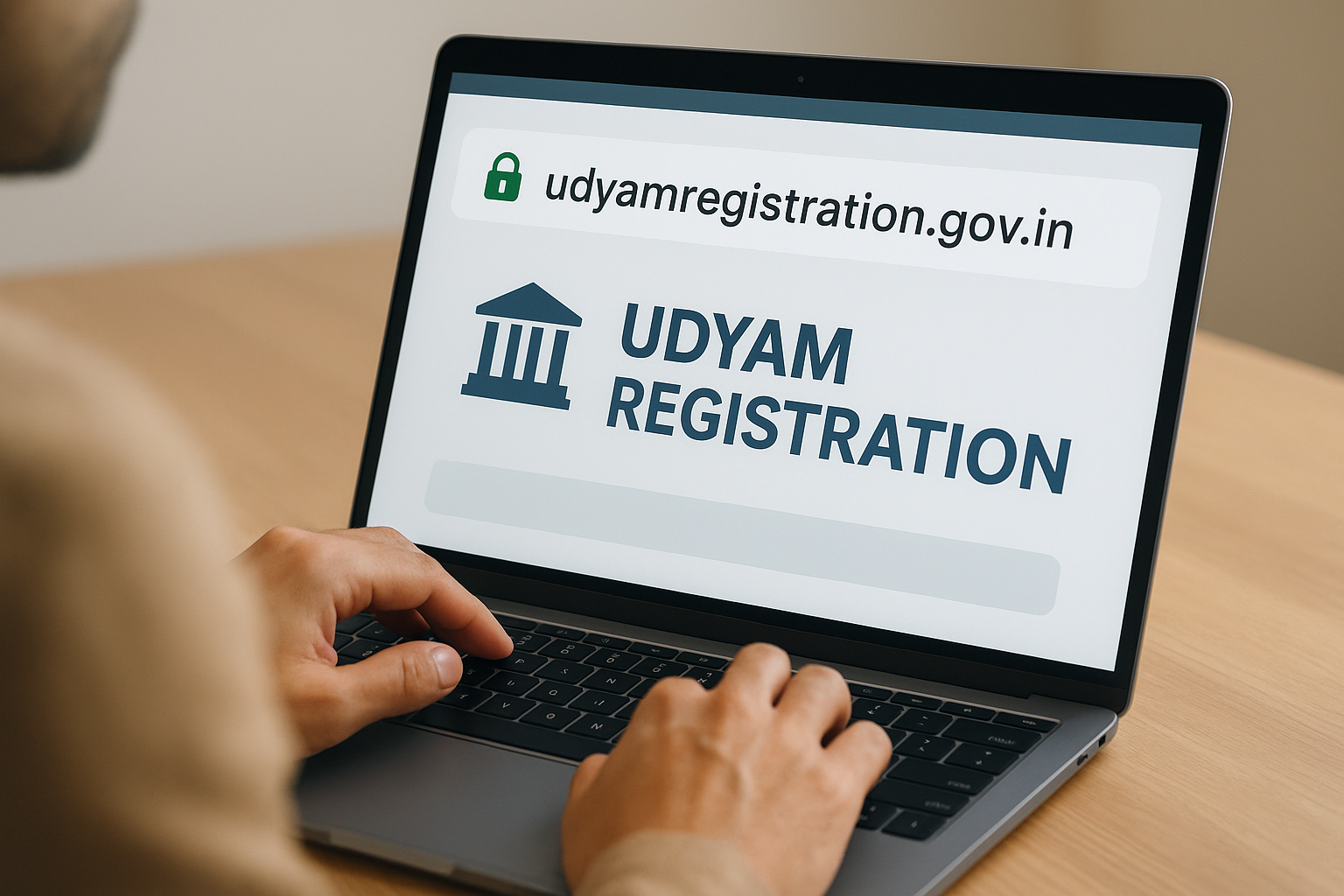
Watch for these red flags that signal a fraudulent site:
- Requests for any payment before or during registration
- A domain ending in .com, .org, or .net instead of .gov.in
- No government logo or NIC security certificate visible
Step 2. Register a new MSME on Udyam
On the official portal homepage, click "For New Entrepreneurs who are not Registered yet as MSME". The registration on the MSME Udyam registration portal is free and entirely online, pulling data directly from Aadhaar, PAN, and GST databases.
Enter your Aadhaar and validate
Type your 12-digit Aadhaar number and your name exactly as it appears on your Aadhaar card. Click "Validate & Generate OTP" and enter the one-time password sent to your Aadhaar-linked mobile number. If the OTP does not arrive within two minutes, click "Resend OTP" once before assuming a connectivity issue.
Complete the enterprise form
After Aadhaar validation, the portal opens the full registration form. Work through each field in this order:
- PAN and enterprise type: Select proprietorship, partnership, company, or LLP and enter your PAN.
- Location and bank details: Enter your registered address and business bank account IFSC.
- NIC Activity Code: Choose the correct 5-digit code for your primary activity, such as construction or engineering consultancy.
- Investment and turnover figures: Enter values for the current financial year.
Double-check your turnover figures before submitting. Incorrect numbers change your enterprise classification and can disqualify you from reserved tender categories.
Click "Submit and Get Final OTP" to complete registration. Your URN appears on screen immediately.
Step 3. Log in, check status, and update details
The MSME Udyam registration portal does not use a traditional username and password system. Your Udyam Registration Number (URN) and your Aadhaar-linked mobile number are your login credentials every time you return to the portal.
How to access your existing registration
From the portal homepage, click "Print/Verify" or "Update Details" depending on what you need. The portal will prompt you to enter your URN and the registered mobile or email address to receive a fresh OTP for verification.
Save your URN in a secure place immediately after registration. You will need it for every future login, update, and certificate download.
How to update your details
Your enterprise information can change, and keeping your record current on the portal matters for tender eligibility. Enter your URN and OTP to access your profile, then locate the specific field you need to change, such as turnover figures, address, or NIC Activity Code.
Follow this update sequence to avoid errors:
- Log in with your URN and OTP
- Select the field to edit
- Enter the revised value and supporting data
- Submit and save the updated record
Step 4. Download and print your Udyam certificate
From the homepage of the MSME Udyam registration portal, click "Print/Verify Udyam Certificate". The portal will ask for your URN and send a fresh OTP to your registered mobile number to confirm your identity before giving you access to the certificate.
How to download your certificate
Enter your URN in the provided field and click "Validate & Generate OTP". Once you verify with the OTP, the portal displays your certificate as a PDF ready for download. Click the download icon or use your browser's save function to store it on your device immediately.
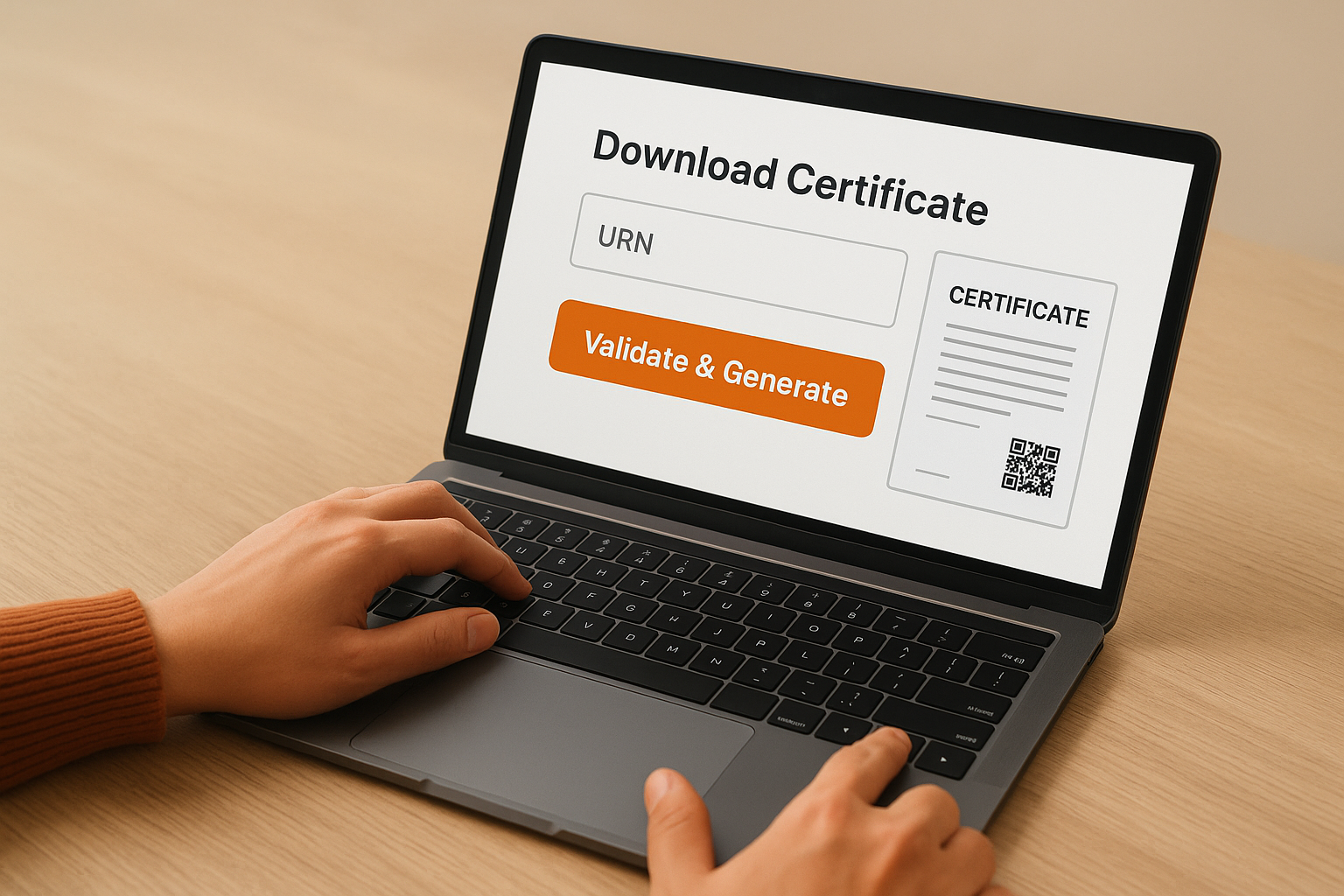
Save your certificate to a secure cloud folder right away so you can retrieve it for any tender submission without logging back in each time.
How to print a valid copy
Your printed certificate is legally valid without any additional stamp or signature from a government office. Use a color printer and A4 paper for the clearest output, particularly for the QR code printed on the certificate. Procurement officers on platforms like GeM scan that QR code to verify your registration status in real time.
Follow these steps to get a clean print:
- Open the downloaded PDF
- Set paper size to A4
- Select "Fit to page" in printer settings
- Print in color to preserve QR code clarity
Quick wrap-up and what to do next
Getting your registration right on the MSME Udyam registration portal comes down to three things: using the correct URL (udyamregistration.gov.in), having your Aadhaar-linked mobile number active before you start, and saving your URN the moment it appears on screen. Registration is free, the certificate is valid without any physical stamp, and your printed copy with the QR code is all you need for most government tender submissions.
Once your Udyam certificate is in order, your next step is making sure you are actually finding the tenders that match your credentials. Most AEC firms miss viable opportunities simply because they rely on keyword searches across a handful of portals. Arched monitors 500+ procurement platforms, matches tenders to your specific eligibility profile, and flags the gaps you need to close for higher-value contracts. If you want to build a smarter bid pipeline, explore what Arched can do for your firm.