World Bank Procurement Notices: Where to Find Live Tenders
Every year, the World Bank commits billions of dollars to development projects across India, road corridors, urban transit systems, irrigation networks, water supply upgrades. Each of those projects generates World Bank tenders that Indian contractors and consultants can bid on. But finding them isn't as straightforward as checking a single portal. Procurement notices are scattered across multiple platforms, from the World Bank's own system to borrower-country portals like GeM and CPPP, and often buried in project-specific documents.
If you're a BD manager or bid team lead at an infrastructure firm, you've probably missed a few. Not because you weren't looking, but because no single search covered everything.
This guide breaks down where World Bank-funded procurement notices are published, how the bidding process works, and what you need to do to start finding relevant opportunities consistently. Whether you're targeting NCB packages on state highway projects or large ICB contracts under central government programs, you'll know exactly where to look and what to watch for.
How World Bank tenders actually work
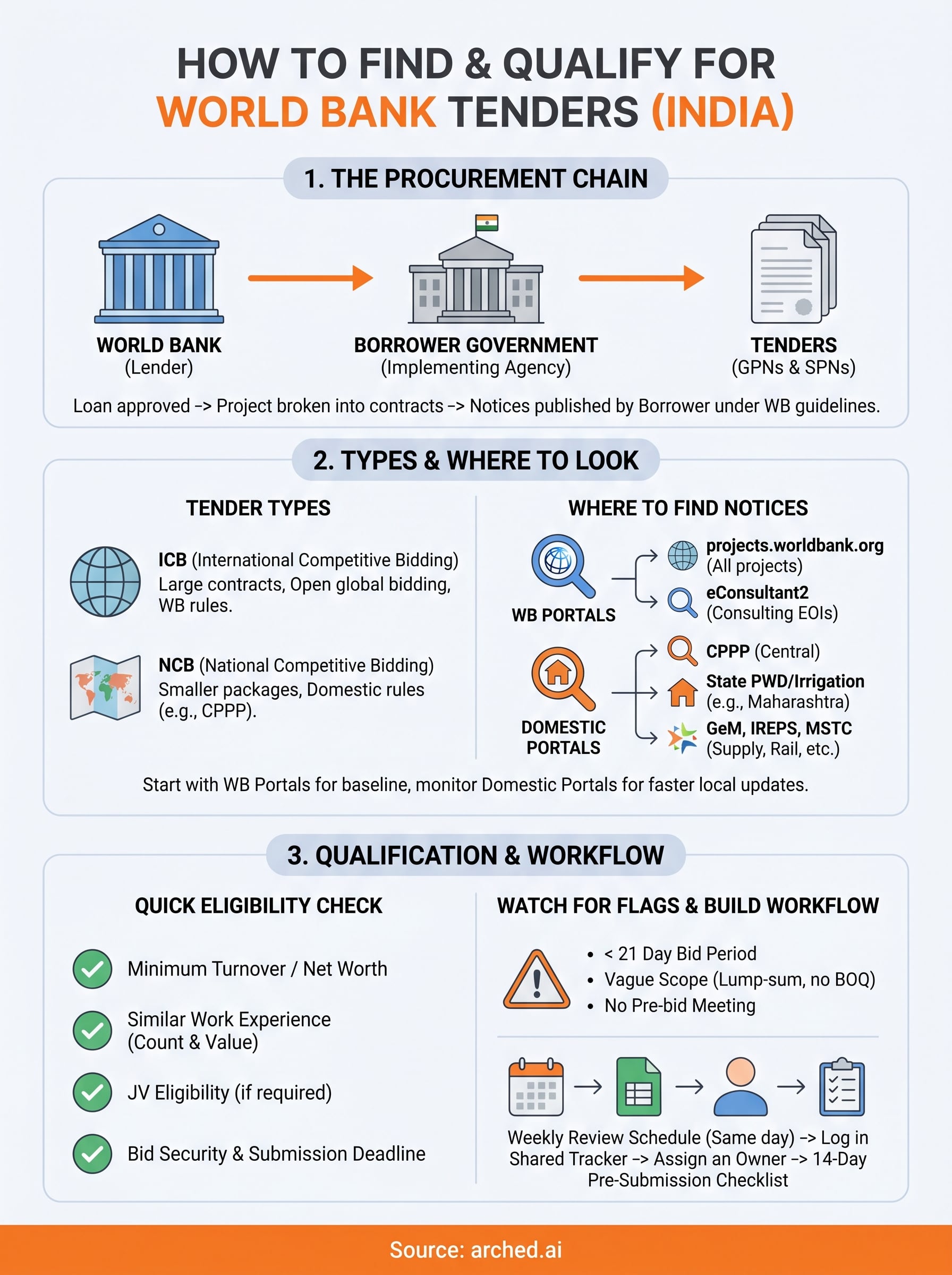
The World Bank does not directly hire contractors or consultants. Instead, it lends money to a borrower government, which in India could be the Ministry of Road Transport, a state PWD, or an urban development authority. That borrower then runs its own procurement process under World Bank procurement guidelines, publishing notices and managing contracts independently. This is why tender notices don't all live in one place: each borrower entity publishes on its own portal while also reporting back to the World Bank's central systems.
The procurement chain: from loan to contract award
Every World Bank-funded project follows a defined sequence. The Bank approves a loan and a Project Appraisal Document (PAD), which outlines the full procurement plan. From there, the implementing agency, say, the National Highways Authority of India, breaks the project into contracts and publishes General Procurement Notices (GPNs) and Specific Procurement Notices (SPNs). You need to track both: GPNs signal that a project is coming, while SPNs contain the actual bid deadlines and eligibility criteria.
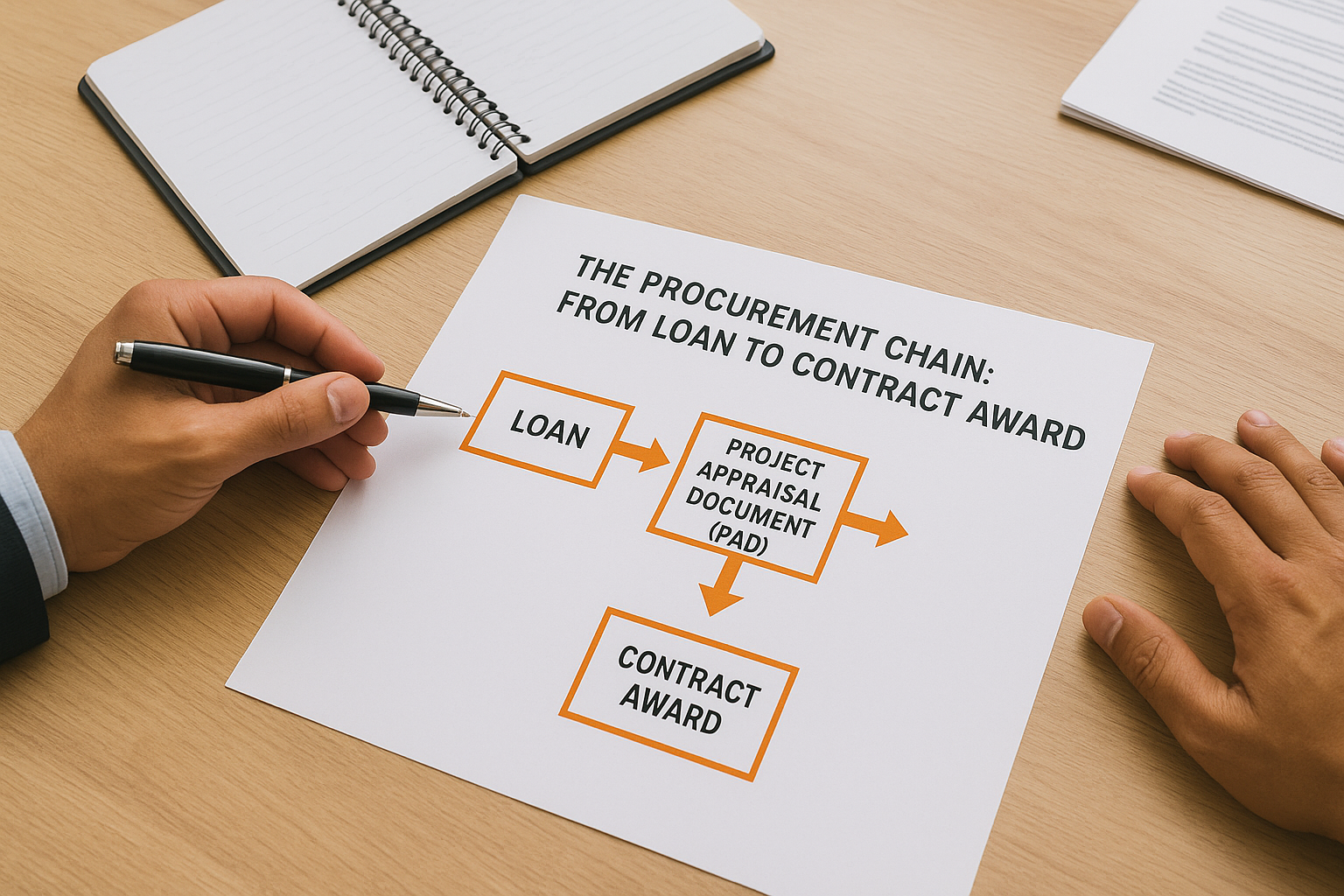
Tracking only SPNs means you're often too late to prepare. GPNs give you weeks of lead time to assess eligibility and gather documents.
ICB vs NCB: which packages apply to your firm
World Bank contracts fall into two broad categories. International Competitive Bidding (ICB) applies to high-value contracts, typically above a threshold set in the loan agreement, and is open to firms from any World Bank member country. National Competitive Bidding (NCB) covers smaller packages and uses Indian procurement rules, which means the notices appear on domestic portals like CPPP and state e-tender systems. Most Indian AEC firms find their best entry points through NCB packages before scaling toward ICB contracts.
Start with the official World Bank portals
The World Bank maintains two primary systems where procurement notices are published centrally. Before you check any borrower portal, start here to build a complete baseline of what world bank tenders are currently active across India. Both systems are publicly accessible and do not require a paid subscription to browse notices.
World Bank Projects portal and eConsultant2
Go to projects.worldbank.org and filter by country (India) and sector (Transportation, Water, or Urban Development). Each active project page lists its procurement plan, showing upcoming and active contracts with estimated values and review methods. For consulting assignments specifically, use eConsultant2, where your firm registers once and then receives direct notifications each time an Expression of Interest matching your profile is published.
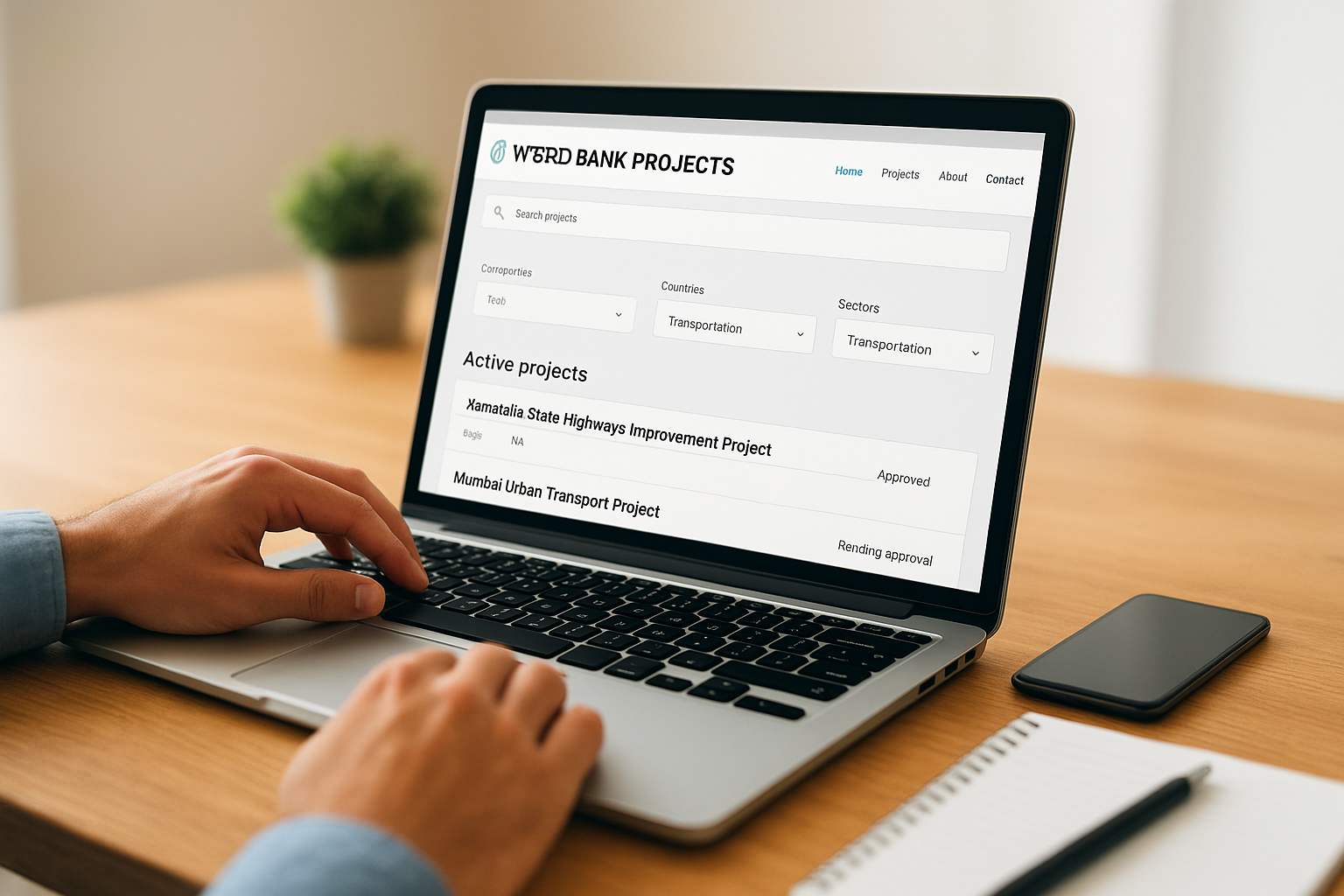
Register on eConsultant2 before you need it. The profile setup takes several business days, and you cannot submit an EOI without a completed and approved registration.
Check these fields on every notice you open:
- Contract value and procurement method (ICB, NCB, or QCBS for consultants)
- Submission deadline and implementing agency contact details
- Prior review flag, which signals the World Bank reviews bids directly rather than post-award
Find India and AEC opportunities faster
The World Bank central portals give you the full picture, but India-specific AEC opportunities often surface first on domestic systems. When a state government borrows from the Bank for a road or irrigation project, it publishes the NCB notices on its own e-procurement portal, sometimes days before the World Bank's system reflects the update. Monitoring both layers cuts your reaction time significantly.
Domestic portals that carry World Bank-funded AEC tenders
Your starting shortlist for world bank tenders in construction and infrastructure should cover these platforms:
- CPPP (Central Public Procurement Portal): cppp.gov.in, filterable by ministry and sector
- State PWD and irrigation e-tender sites: Maharashtra, UP, Rajasthan, and Karnataka each run independent systems with their own publishing schedules
- IREPS and MSTC: relevant for rail and industrial infrastructure packages under Bank-supported programs
- GeM portal: covers supply and smaller works packages tied to World Bank-assisted schemes
Cross-referencing a notice on a state portal against the World Bank project page confirms whether it falls under Bank oversight, which directly affects dispute resolution and payment security.
Set up keyword alerts on each portal using terms like "World Bank assisted," "externally aided project," or the specific loan number listed in the Project Appraisal Document.
Read a notice and confirm it is bid-ready
Before your team invests hours reading a full tender document, run a quick eligibility check to confirm the opportunity is worth pursuing. Most world bank tenders contain the critical qualification criteria in the first three to five pages of the SPN or request document.
Skipping the eligibility check upfront is the most common reason bid teams waste time on contracts they cannot win.
Check eligibility before you spend time on the full document
When you open a notice, verify these five data points first:
- Minimum turnover or net worth requirement versus your last three audited financials
- Similar work experience: the number and value of comparable completed contracts required
- JV eligibility: whether joint ventures are permitted if you fall short on any criterion
- Bid security amount and the form it must take (bank guarantee vs. demand draft)
- Submission timeline: days remaining versus your actual document preparation capacity
Spot the flags that signal a risky notice
Some notices carry conditions that look standard but create real problems. Watch for unusually short bid periods (under 21 days for complex civil works) and vague scope definitions that leave quantity estimates open to revision.
Document these flags before you commit your team's time:
- Bid period under 21 days for works contracts
- Scope described in lump-sum terms without a detailed BOQ
- No pre-bid meeting scheduled for technically complex packages
Build your monitoring and bidding workflow
A consistent workflow beats occasional intensive searches every time. Treat world bank tenders as a pipeline you actively manage, not a list you check reactively. Set recurring calendar blocks, assign portal ownership to specific team members, and log every notice into a shared tracker with status, deadline, and assigned lead.
Set a weekly review schedule
Check the World Bank Projects portal, CPPP, and your relevant state e-procurement portals on the same day each week. Log each new notice in a shared tracker using this template:
| Field | What to record |
|---|---|
| Portal source | Where you found the notice |
| Loan or project number | For cross-referencing |
| Submission deadline | With a 7-day buffer alert |
| Eligibility status | Pass, fail, or needs review |
| Assigned team member | Who owns the bid decision |
A notice without an assigned owner almost always gets dropped near the deadline.
Assign ownership before bid day
Once a notice clears the eligibility check, one person owns it through to submission. That person tracks document requests, pre-bid meetings, and addenda. Build a 14-day pre-submission checklist covering bid security, supporting financials, and experience certificates so nothing gets assembled at the last minute.
Next steps
You now have a complete picture of where world bank tenders are published, how the procurement chain works, and what to check before your team commits time to a bid. The practical next step is to act on the workflow in this guide this week, not next quarter. Set up your portal accounts, assign ownership of the weekly review, and log your first five active notices into a shared tracker with deadlines and eligibility status.
The monitoring layer is where most firms lose ground. Manual portal checks across CPPP, state e-tender systems, and the World Bank Projects portal take hours each week, and gaps in coverage mean missed deadlines.
Once you have found a tender worth bidding, the estimate is the next bottleneck. If you want it prepared for you, send us the bid documents and Arched delivers a detailed estimate and BOQ, reviewed by an engineer. See how our estimating service works.
Have a package your team can’t get to? Send it to us. Our engineers check and sign off everything we deliver.